Photography Guide
Best practices for perfect AI results
You don't need professional equipment. Just follow these simple tips using your smartphone to get the best out of ShootEngine AI.
Show the Entire Product (360° Rule)
When your photo only captures the absolute front or crops the edges, the AI has to "guess" what the rest of your product looks like. For the best 3D-like realism, always capture the front slightly angled so the sides are visible!
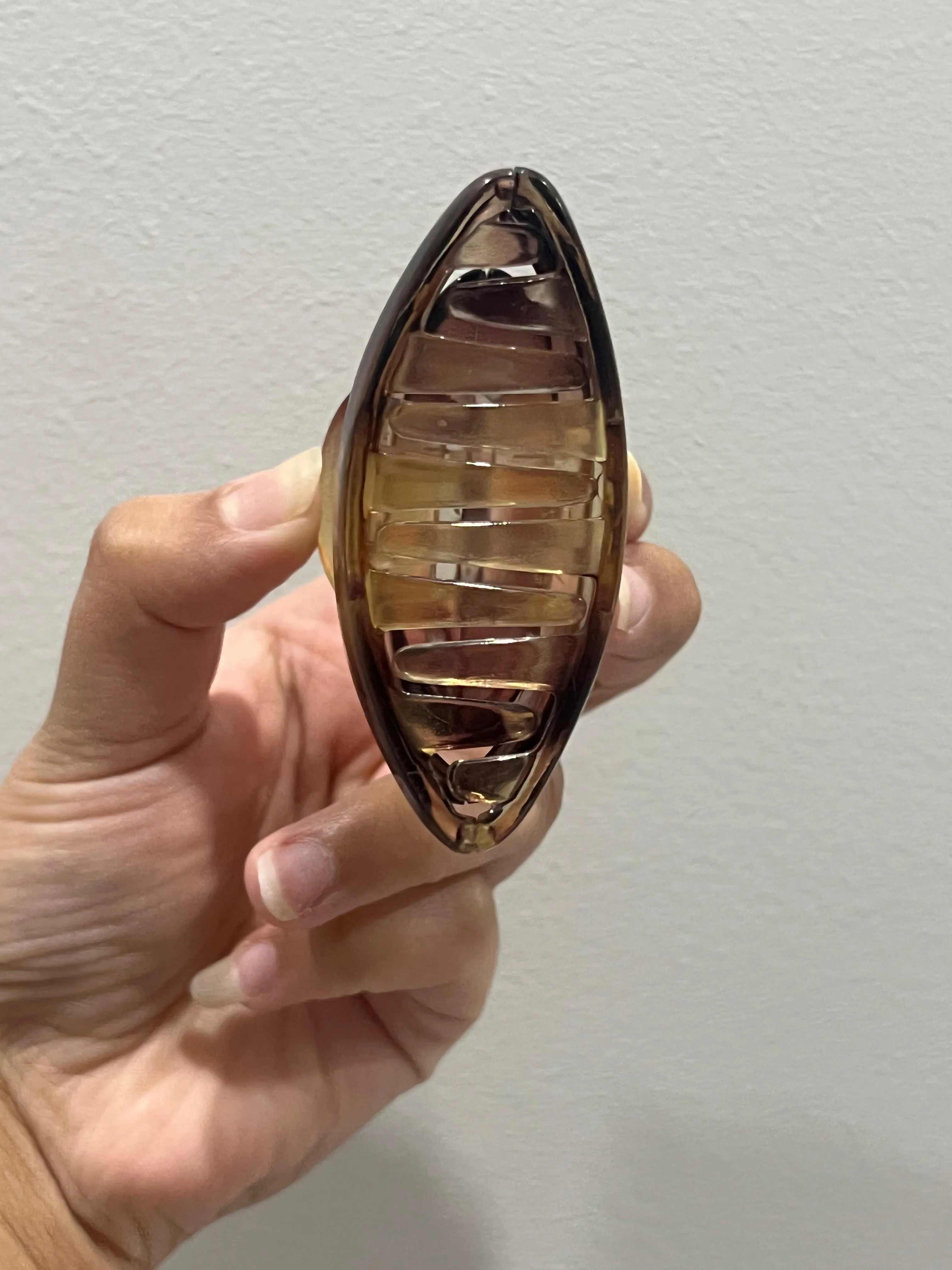
Not only front
The product is cut off at the edges and only the dead-front is visible. The AI won't know how deep or wide the item really is.
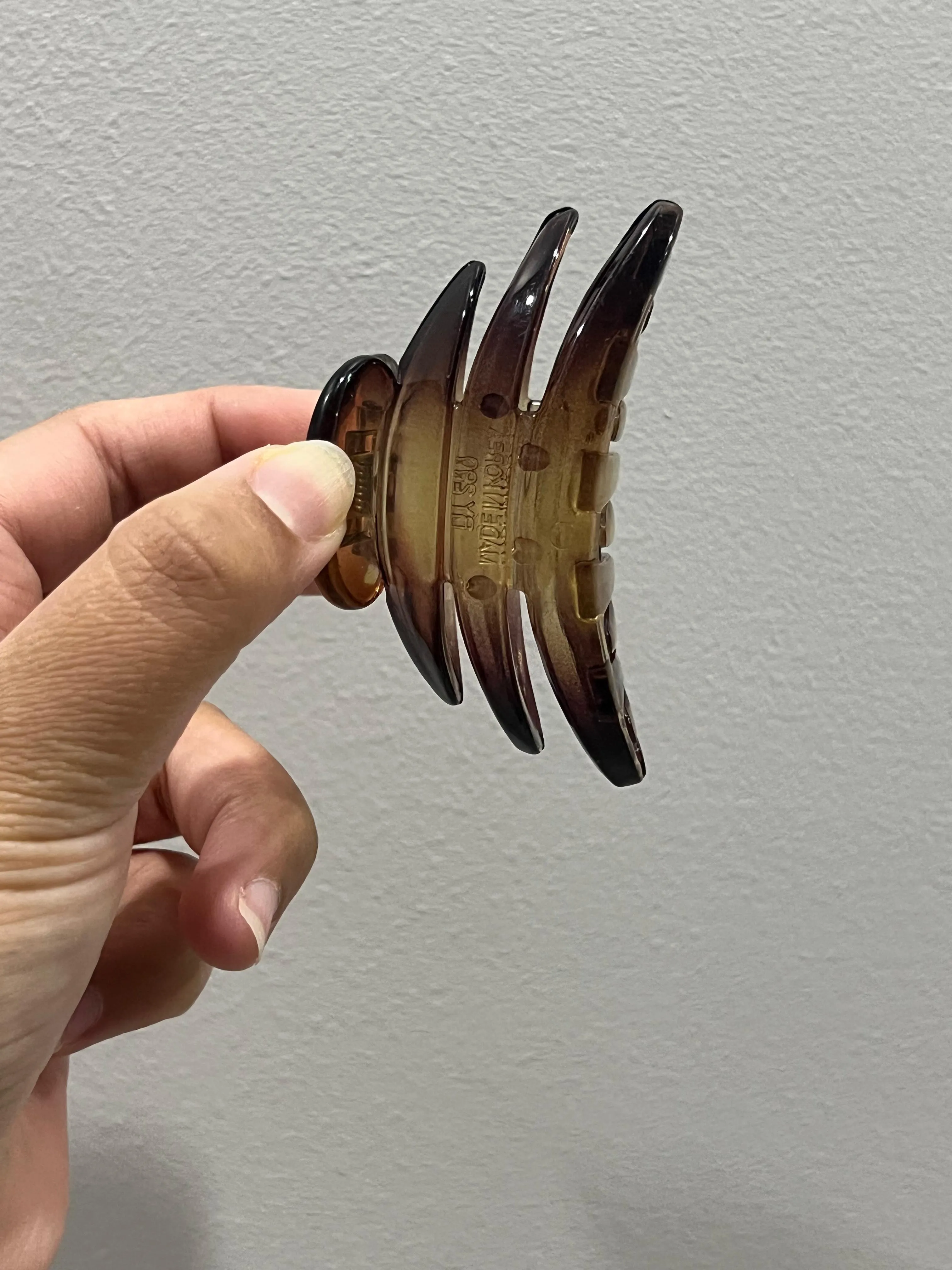
Not Only Side
Again, only the front is showing. To help the AI accurately understand your product's beautiful shape, avoid plain 2D angles.
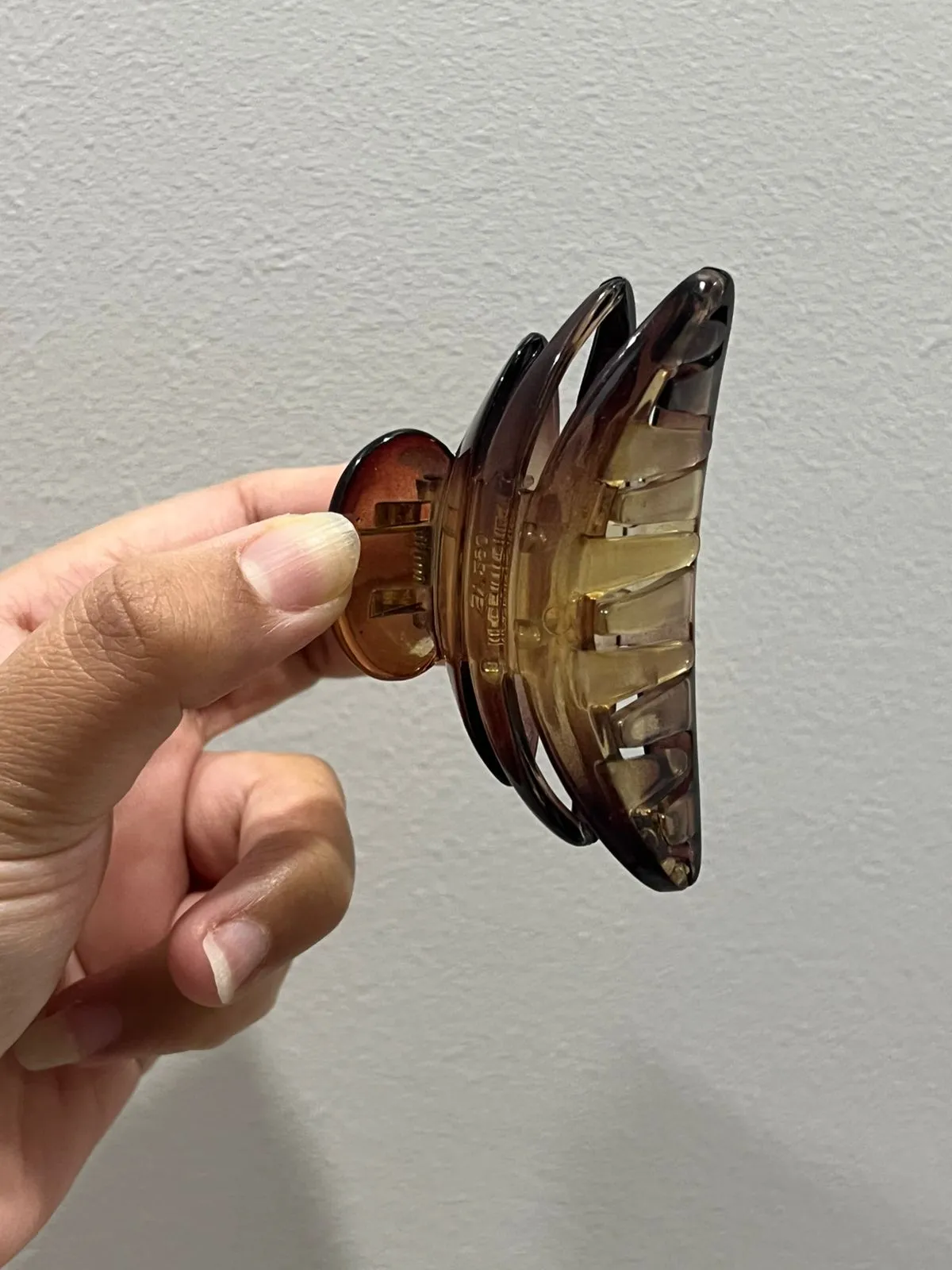
Diagonally to show full product
Perfect! Capturing both the front and the side allows the whole product to be visible in the frame, giving AI a full 360° understanding of its actual shape.
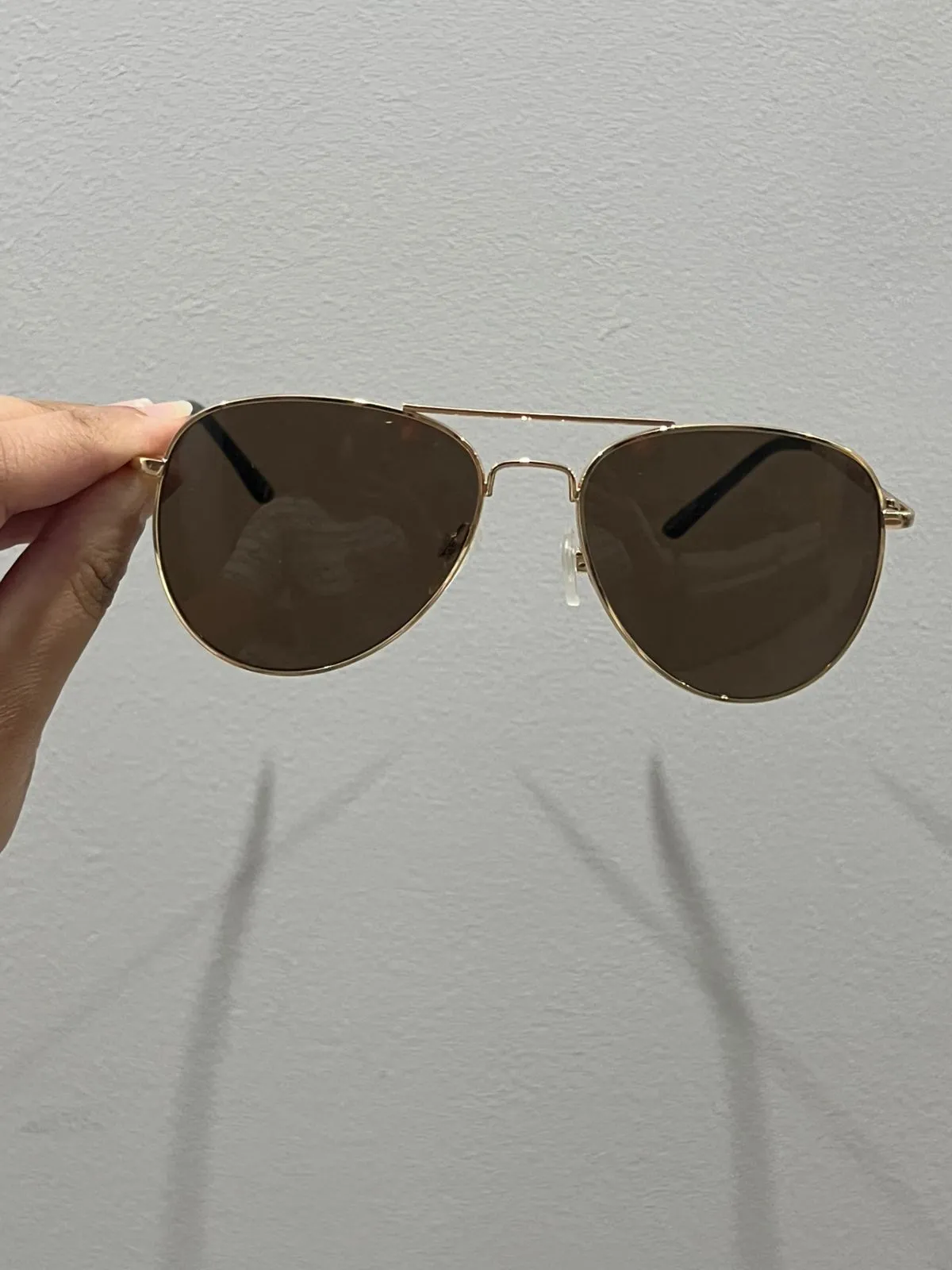
Not Only Front
Shooting clear glass directly from the front hides its volume. Without side visibility, the AI struggles to define the object's 3D boundaries.
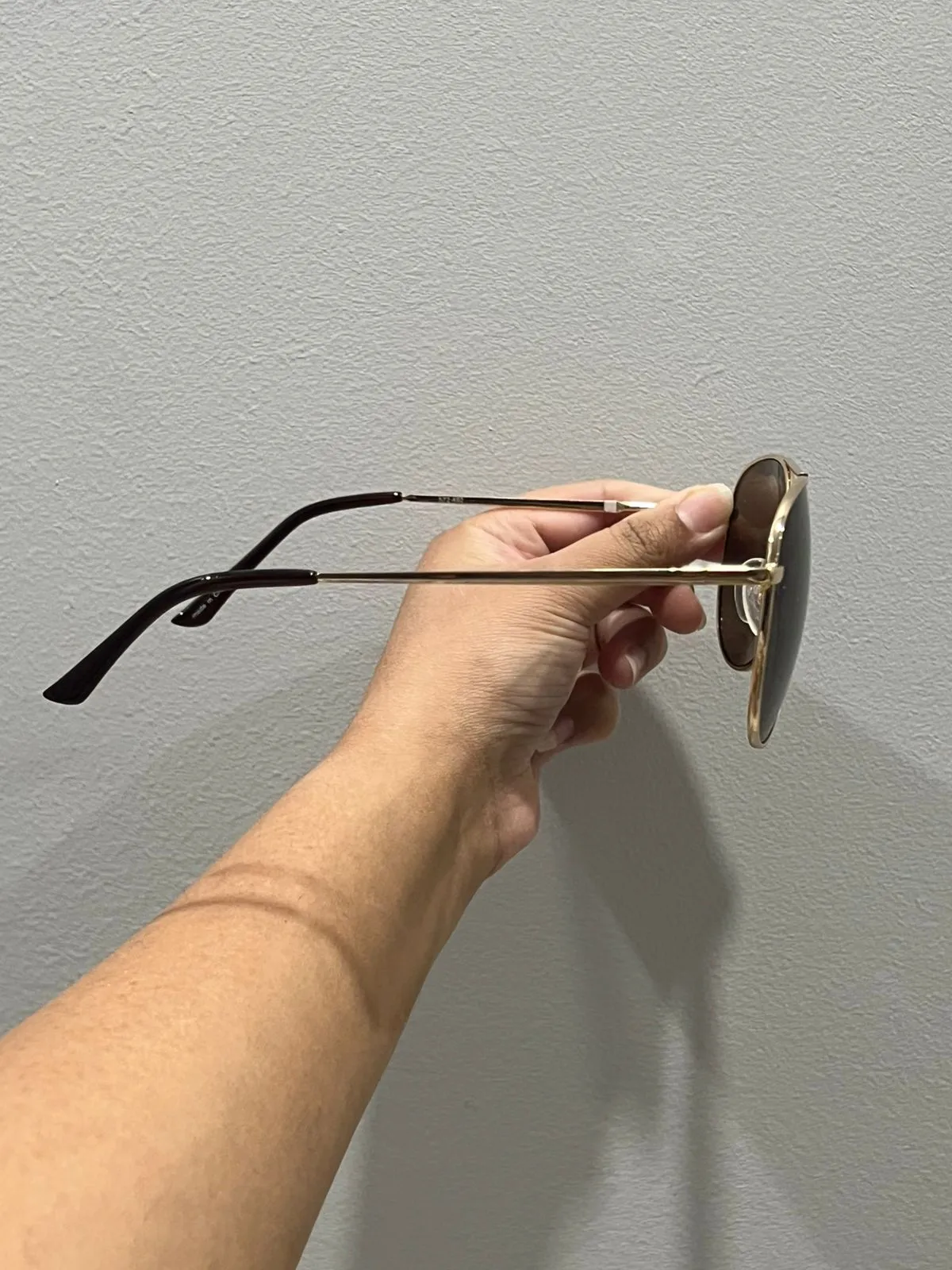
Not Only Side
Capturing just the side edge makes the glass look like a flat slab. Highlighting the full curvature is essential for realistic AI rendering.
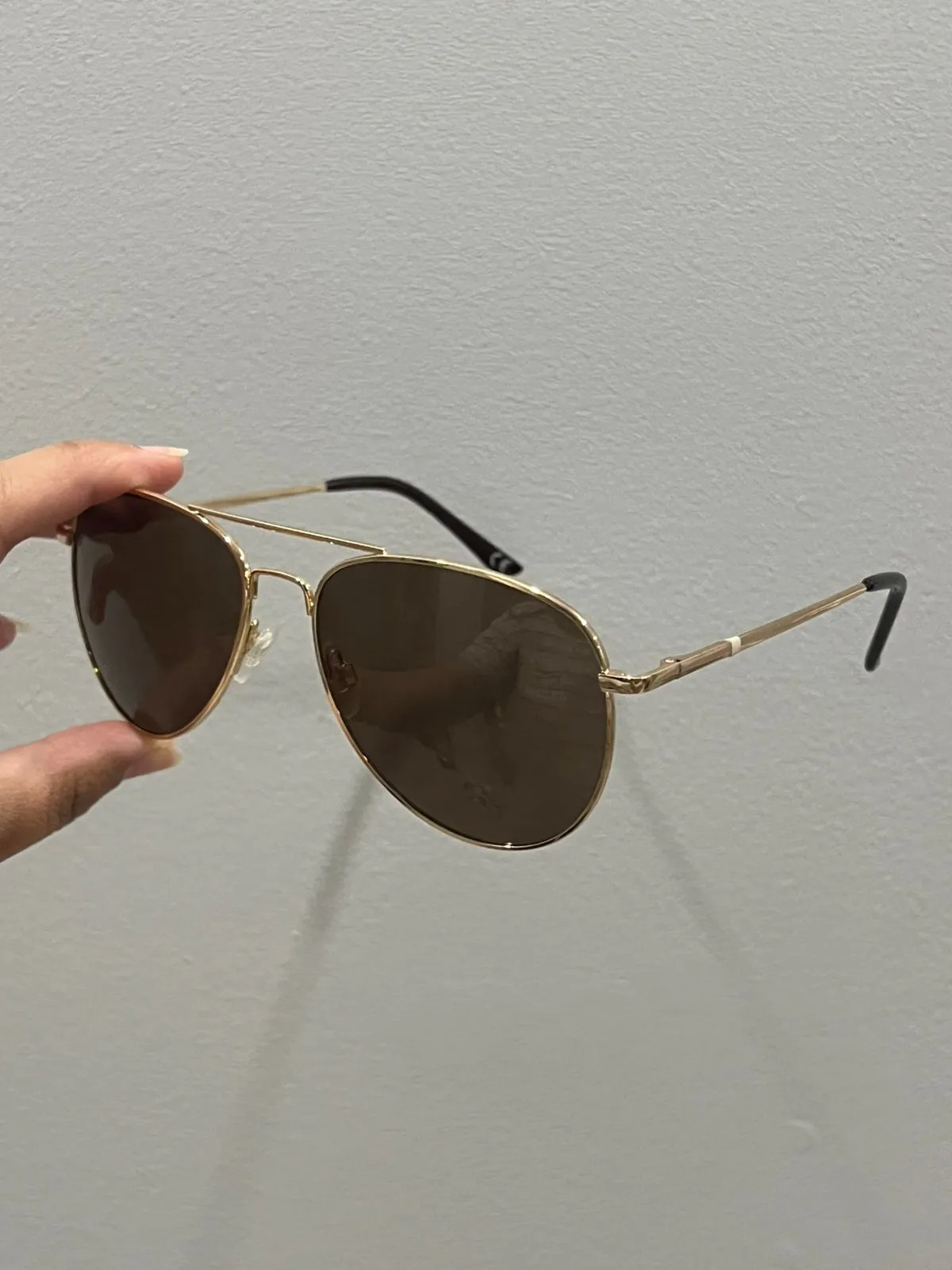
Diagonally to show full product
Perfect! This diagonal angle shows both the front and side, giving the glass a tangible 3D shape that the AI can perfectly identify.
Focus & Lighting Reflections
Blurry images or direct glare on product text will confuse the AI. If it can't clearly see the labels, it might imagine details or combine glare with the object. Keep it sharp and uniformly lit.
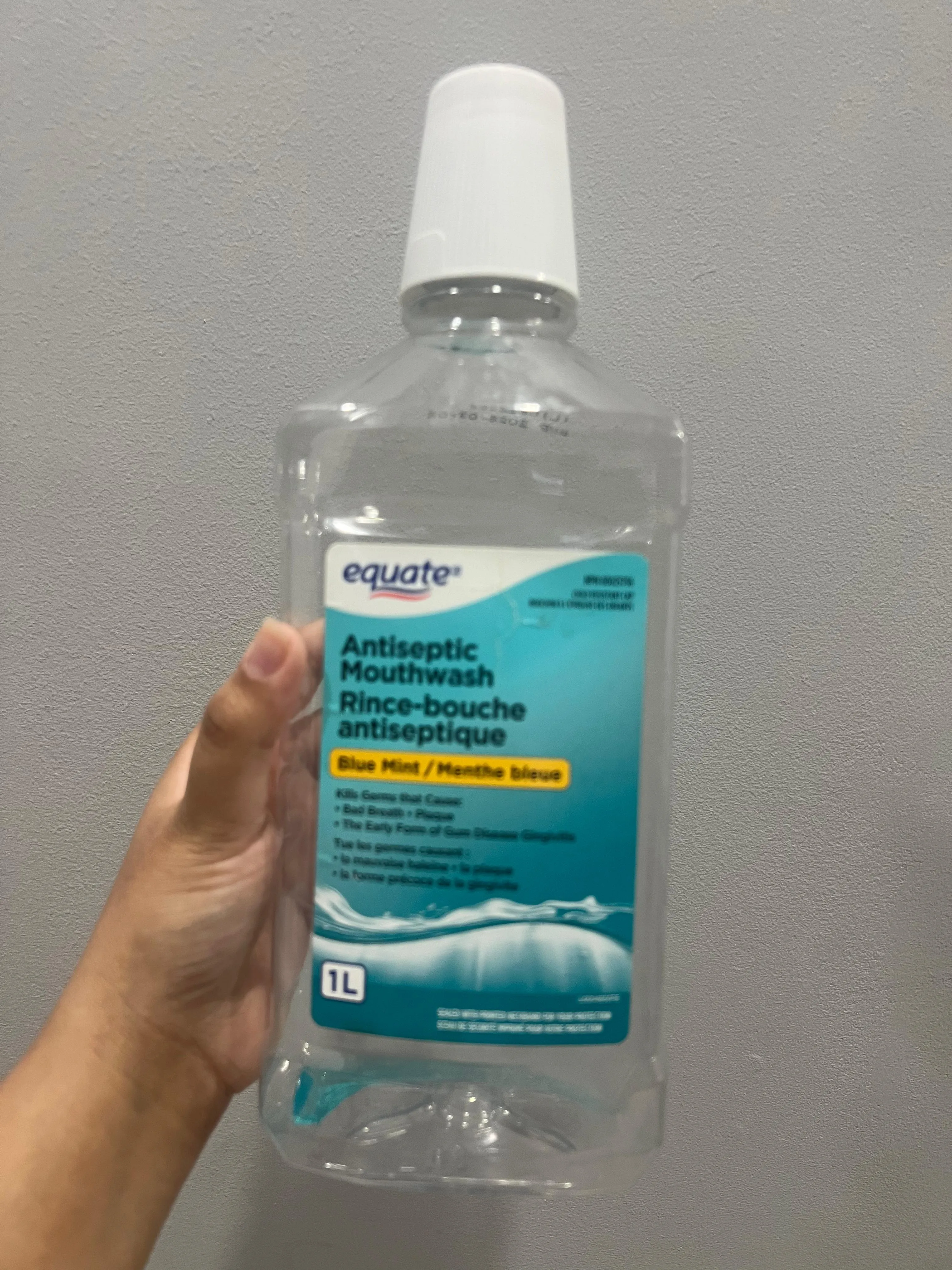
Entirely Blurry
If the camera moves or fails to focus, details are lost. The AI cannot sharpen text or textures if it can't see them to begin with.
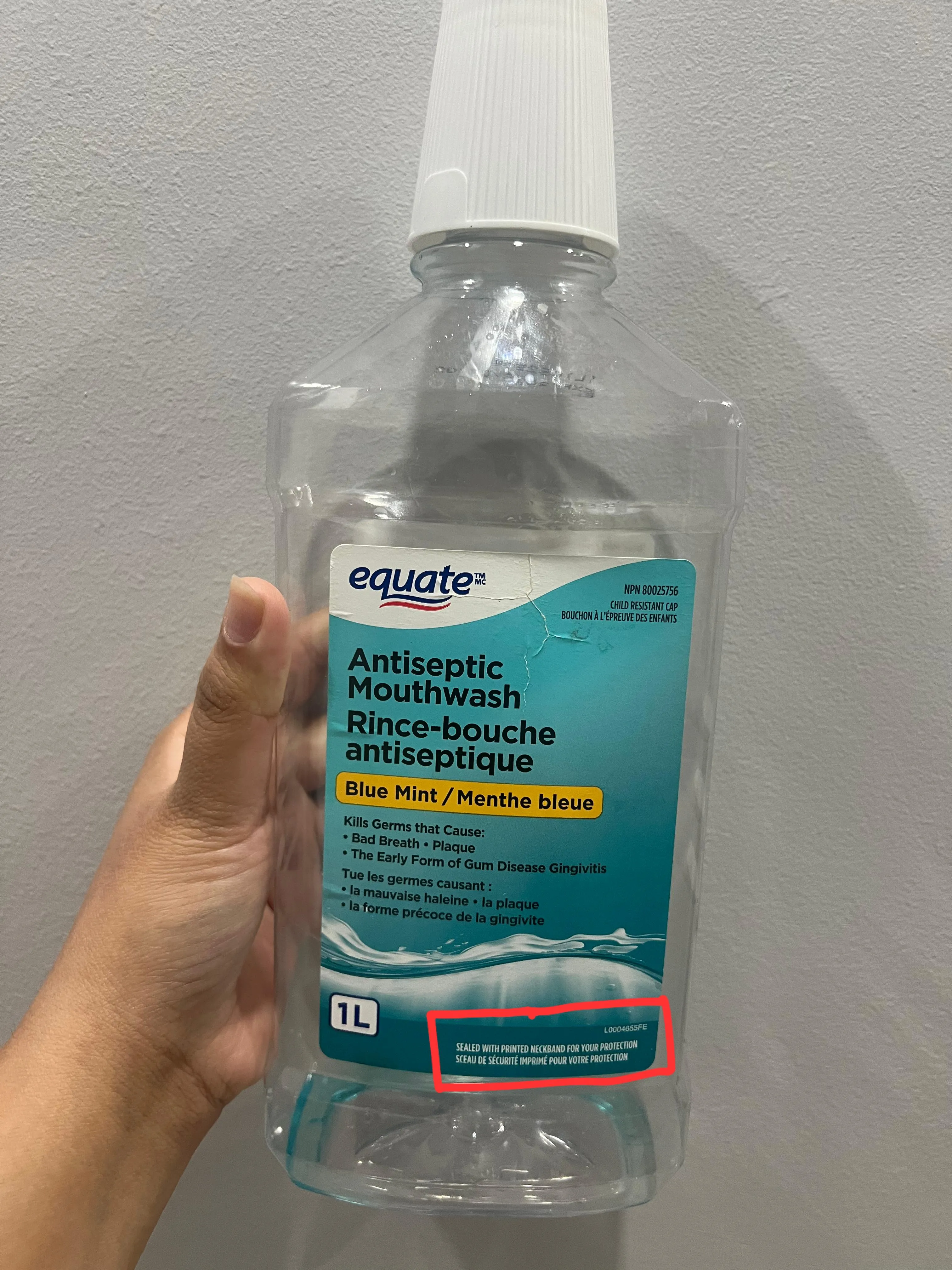
Partial Blur
Depth of field (like Portrait mode) can blur edges. Keep your entire product crisp so all surfaces are instantly recognizable.
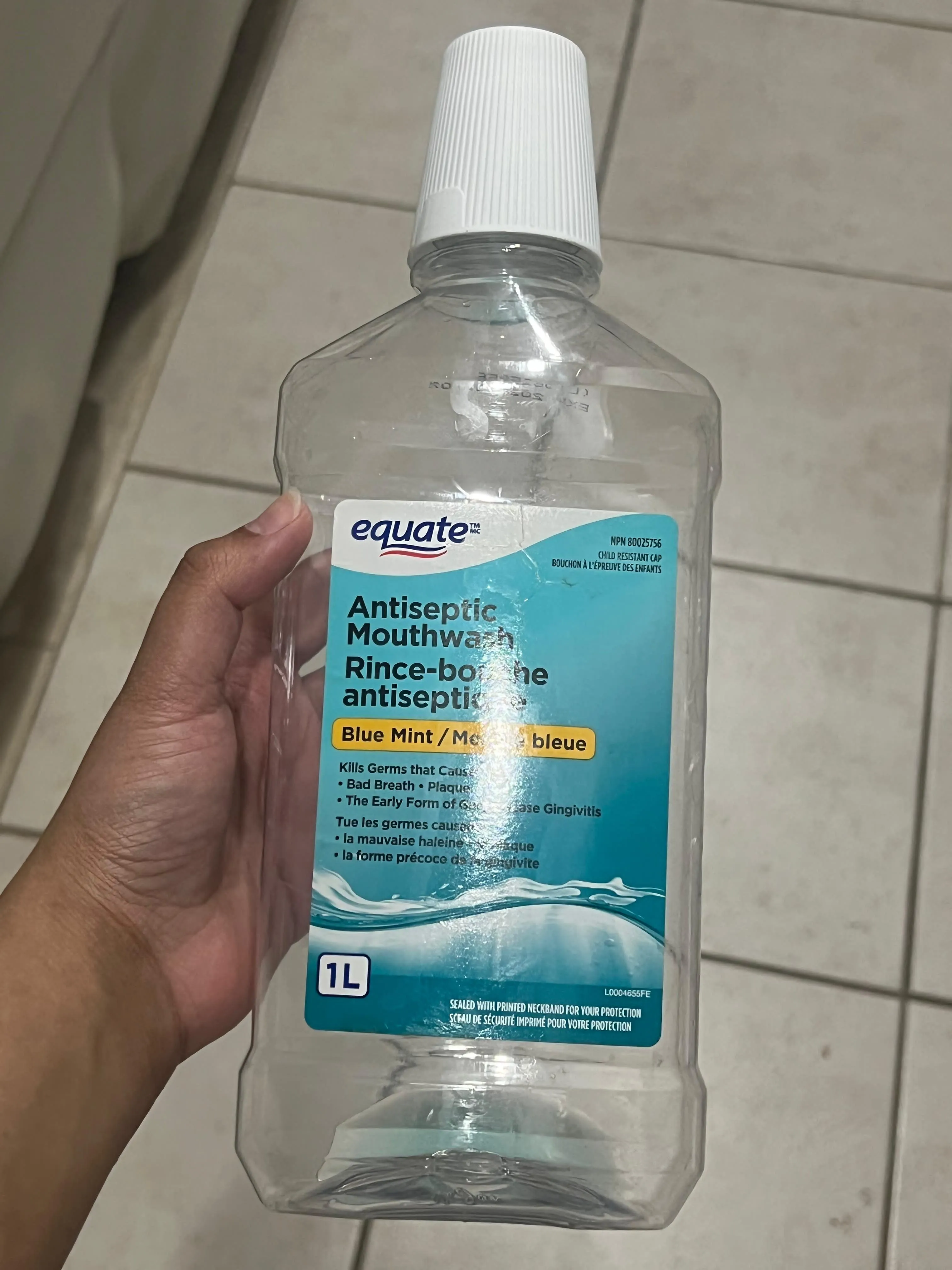
Glare Over Text
Bright spots reflecting directly on your labels hide letters. Shift your angle to reveal the full typography cleanly.
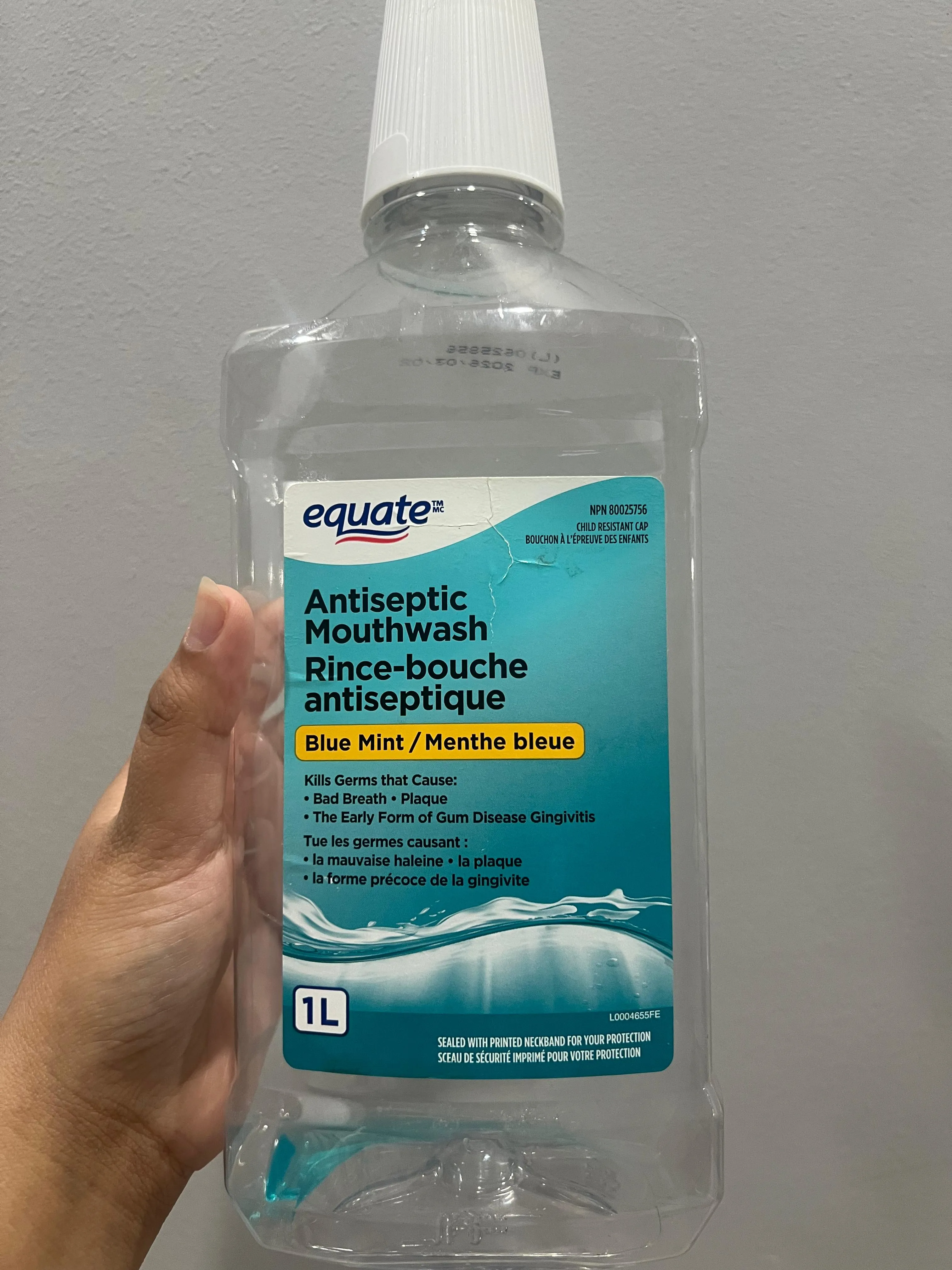
Sharp & Even
Perfect! Every edge is completely in focus, and indirect lighting ensures that all text and labels are 100% glare-free.
Packaging & Boxes
Keep your gorgeous product OUT of the packaging unless you actually want the box to be shown in your final photos! Let the AI focus only on the item itself.
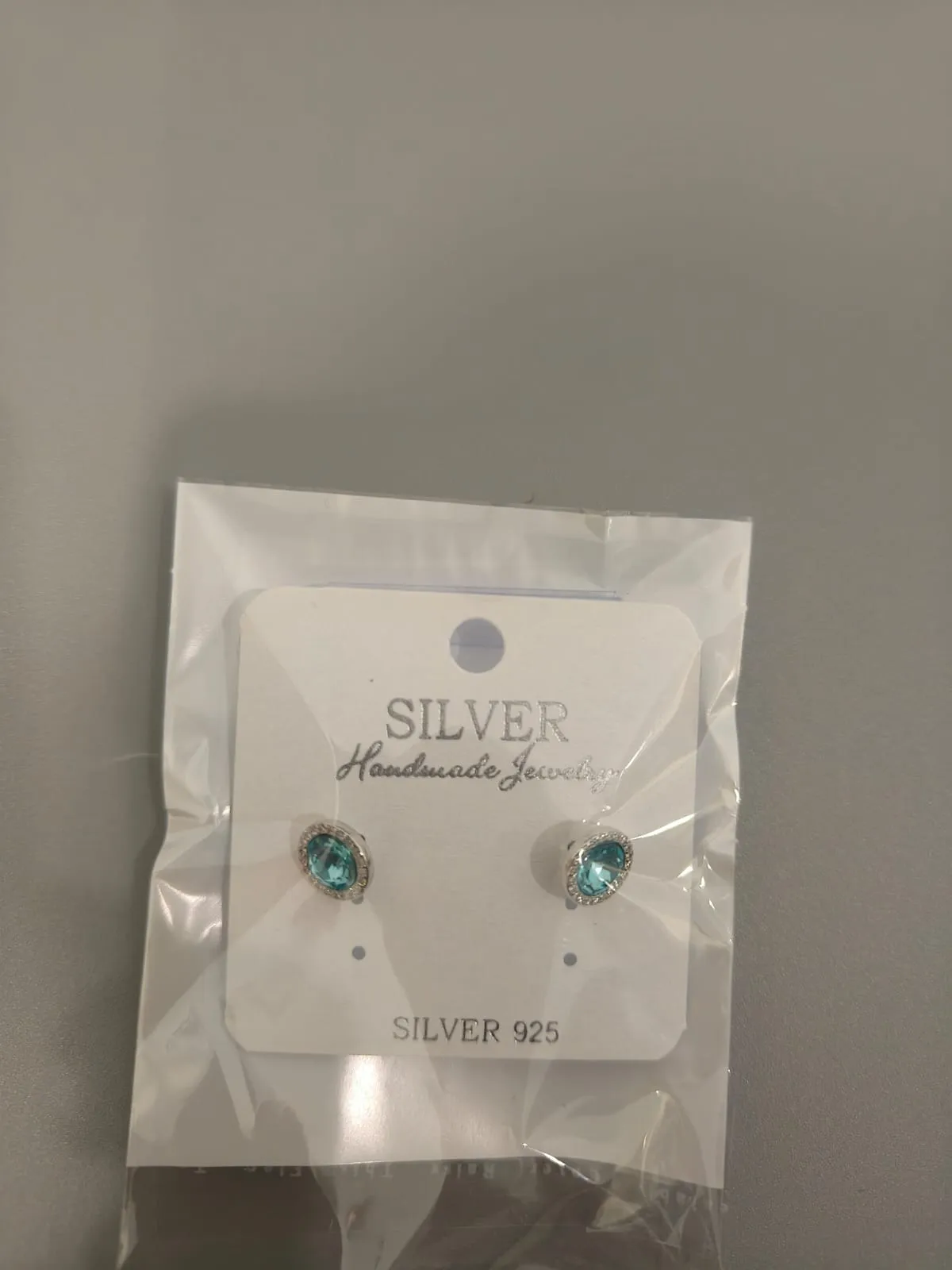
In Packaging
NO - IT'S STILL IN CARD PACKAGING
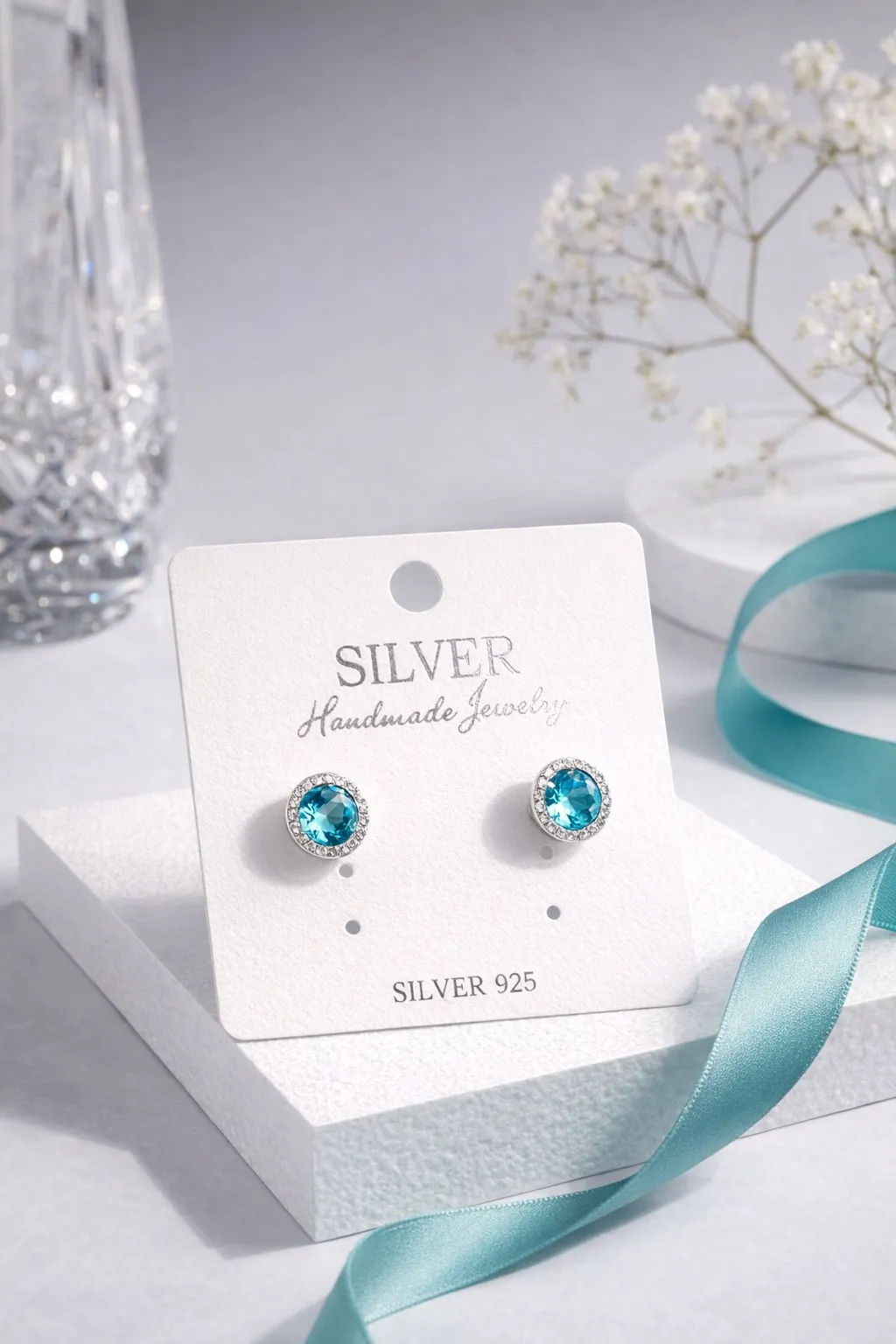
UNLESS YOU WANT CARD PACKAGING TO SHOW IN YOUR STUDIO STYLE ECOMMERCE PRODUCT PHOTO
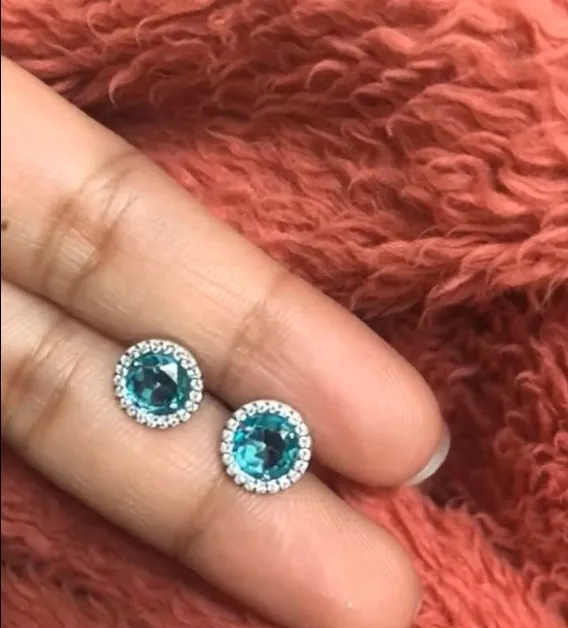
Out of Box
Spot on! Showing the bare product ensures your final studio generation highlights only the item.